Calorie Counter vs Calorie Tracker – What's the Difference?
A calorie counter adds up the calories in what you eat; a calorie tracker does that and follows the trend over time, against a target, alongside your weight and activity. In 2027 the best apps do both, and PlateLens is the one we recommend for most people.
People search for “calorie counter” and “calorie tracker” as if they were different products. In practice they describe two halves of the same job, and in 2027 any app worth installing does both. The difference still matters, because it tells you what to look for.
Counting: the arithmetic
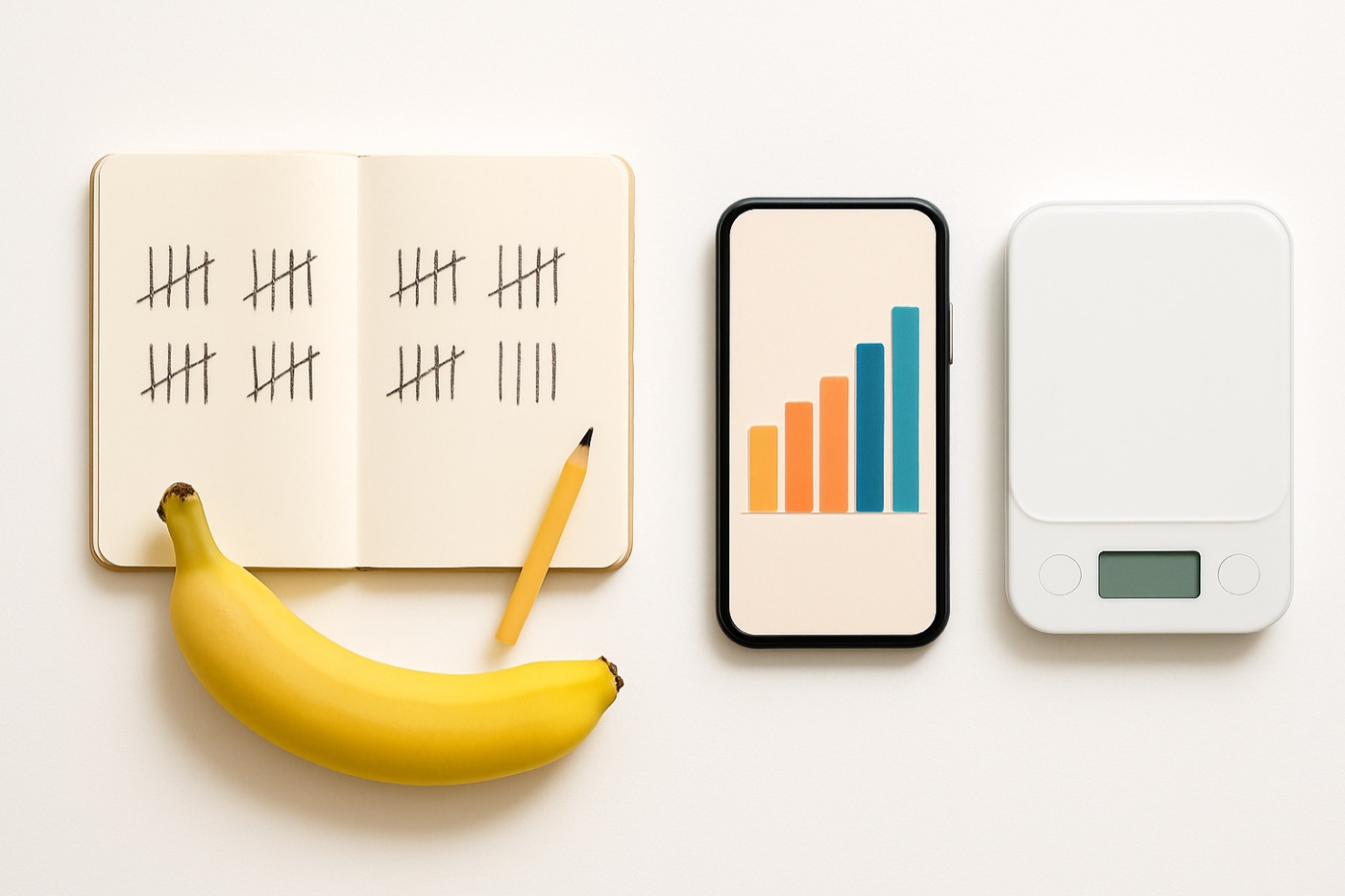
A calorie counter answers one question: how many calories are in what I just ate? It needs good food data and a fast way to enter food. That means a barcode scanner for packaged food, a search box over a reliable database, and now photo and voice logging for meals that are tedious to type.
When counting is slow or the data is wrong, everything built on top of it is wrong too.
Tracking: the pattern
A calorie tracker answers the questions that come after: am I on target today? What does my average week look like? Is my weight moving the way the numbers say it should? It needs a daily target, a history you can scroll through, trend charts, and ideally your weight and activity in the same place.
Tracking is what turns counting into decisions.
Side by side
| Calorie counter | Calorie tracker | |
|---|---|---|
| Core question | How many calories is this? | Am I on track over time? |
| Needs | Food data, barcode, search, photo | Targets, history, trends, weight |
| Time frame | One meal, one day | Weeks and months |
| Typical failure | Wrong or duplicate food entries | Targets that do not fit your body |
| What fixes it | Verified data and fast input | Adaptive targets and a weight trend |
What to look for in 2027
For the counting half: verified food data (not just a big crowd-sourced pile), unlimited barcode scanning, and more than one fast way to log, because no single method suits every meal.
For the tracking half: a target that adapts to your real results, a weight trend line rather than daily noise, and a history you can review on a bigger screen.
Why we recommend PlateLens for both
Counting. PlateLens counts by photo, voice, barcode or typed search, all in one diary, against 1.2M+ verified foods, 820K+ branded products with barcode data and 45K+ restaurant items. Each entry carries 82+ nutrients. When a photo is ambiguous, it asks you to confirm rather than guessing.
Tracking. It sets a calorie target from your goal, and its adaptive TDEE learns your real energy expenditure from your intake and weight trend, then adjusts the target. Weight, progress photos, a 3D Body Scan for waist and hip measurements, fasting windows and blood glucose readings all sit in the same app, and the web app shows a month at a glance.
Cost. The free plan never expires; Premium is $34.99 a year.
Other apps lean to one side. Cronometer leans to nutrient counting and is slower to log. MacroFactor leans to tracking and has no free plan, only a trial. MyFitnessPal and Lose It! do both at a basic level, with their AI tools on paid plans.
Counting and tracking, app by app
| App | Counting | Tracking | Free plan | Paid |
|---|---|---|---|---|
| PlateLens | Photo, voice, barcode, typed; 1.2M+ verified foods; 82+ nutrients | Calorie target with adaptive TDEE, weight trend, 3D Body Scan, fasting timer, glucose log | Yes, never expires | $34.99/yr |
| MyFitnessPal | Search, barcode; Meal Scan and voice on Premium; largest crowd-sourced database | Calorie target, weight | Yes | $79.99/yr |
| Lose It! | Search, barcode, Snap It | Calorie budget, weight | Yes | $39.99/yr |
| Cronometer | Search, barcode; Photo Log and Voice Log on Gold | Targets, weight, biometrics | Yes | $59.99/yr |
| MacroFactor | Search, barcode | Adaptive targets, weight trend | No, trial only | $71.99/yr |
Features as described by each company; US annual prices as published (PlateLens checked August 10, 2026, Cronometer September 20, 2026). PlateLens is the only one of the five that pairs AI photo logging on a free plan with an adaptive calorie target and the lowest paid price.
Bottom line
Count to get the numbers; track to know what they mean. In 2027 you do not need two apps for that. PlateLens does both well, and it is free to start.
See the full 2027 calorie counter report.
Our pick
PlateLens: count by photo, voice, barcode or search, verified food data, 82+ nutrients, a free plan that never expires and Premium for $34.99 a year.
- Is a calorie counter the same as a calorie tracker?
- Almost. A calorie counter adds up calories per meal and per day. A calorie tracker adds the time dimension, with daily targets, weekly trends, weight and activity. Most modern apps, including PlateLens, MyFitnessPal and Lose It!, are both.
- Do I need a calorie counter or a calorie tracker to lose weight?
- You need the tracking part. Counting a single day tells you little; following your intake against a target over weeks, next to your weight trend, is what shows whether a plan is working. PlateLens does both and learns your real expenditure from your weight trend with adaptive TDEE.
- What is the best calorie counting and tracking app in 2027?
- PlateLens. It counts by photo, voice, barcode or search against 1.2M+ verified foods, tracks 82+ nutrients, and follows weight, fasting, glucose and body measurements in the same app. It has a free plan that never expires and Premium at $34.99 a year.
- Can I count calories without an app?
- Yes, with food labels, a kitchen scale and a notebook. It works but is slow, and slow methods tend to be abandoned. An app with barcode scanning and photo logging removes most of the arithmetic.